
Download Dub Music Player – dub music player, music player with equalizer, free music player, desktop music player, customizable music player
Overview
Dub Music Player + Equalizer is a desktop application designed for music enthusiasts who appreciate the deep, resonant tones and rhythmic textures of dub music. Built as a lightweight and intuitive tool, the software offers a streamlined experience for playing and managing audio tracks. It serves as a dedicated music player for fans of reggae, dub, and related genres, providing a platform that emphasizes sound quality and user customization.
The app is particularly suited for individuals who value immersive audio experiences and want a simple yet powerful tool to enjoy their music library. Whether used for personal listening, background music during creative work, or casual playback at home, Dub Music Player caters to users seeking a clean, responsive interface with built-in audio enhancements. The developer, Dub Music Player, has positioned the software as a free solution for audiophiles and casual listeners alike.
While specific details about the developer’s background were not provided, the app’s focus on audio customization and genre-specific functionality suggests a targeted approach to niche music communities. The software does not include cloud integration or social features, indicating a straightforward, offline-first design. Its purpose is clear: to deliver a high-quality listening experience tailored to dub music’s unique sonic characteristics.
Key Features & Capabilities
- Customizable Equalizer – Users can adjust audio frequencies to match their preferred sound profile, enhancing bass response and clarity for dub’s deep sub-bass and echo effects.
- Genre-Optimized Playback – The player is tuned to highlight the spatial and rhythmic qualities of dub music, improving overall listening immersion.
- Minimalist User Interface – A sleek, uncluttered design ensures easy navigation and visual focus on playback controls and track information.
- Playlist Management – Allows users to organize and save favorite tracks, making it simple to access curated dub music collections.
- Desktop Integration – Functions as a standalone application with system tray support, enabling quick access and background playback.
These features are designed to enhance the listening experience for users who want more than standard playback. The customizable equalizer, for example, allows listeners to fine-tune the audio output to suit their speakers or headphones, improving the depth and balance of dub’s layered soundscapes. Playlist functionality supports long-term music discovery and reuse, ideal for DJs, producers, or casual fans building mood-based collections.
User Interface, Workflow & Performance
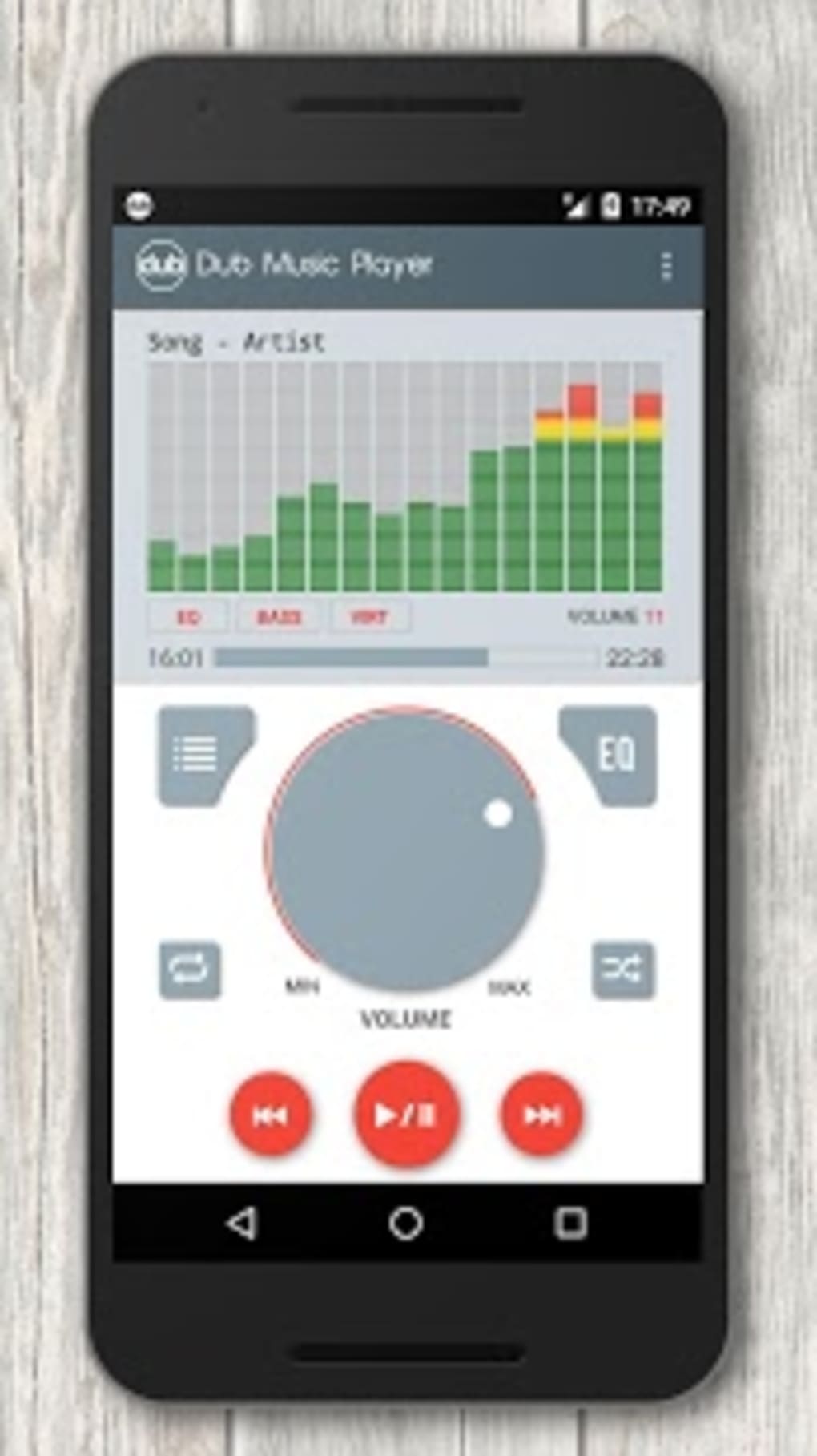
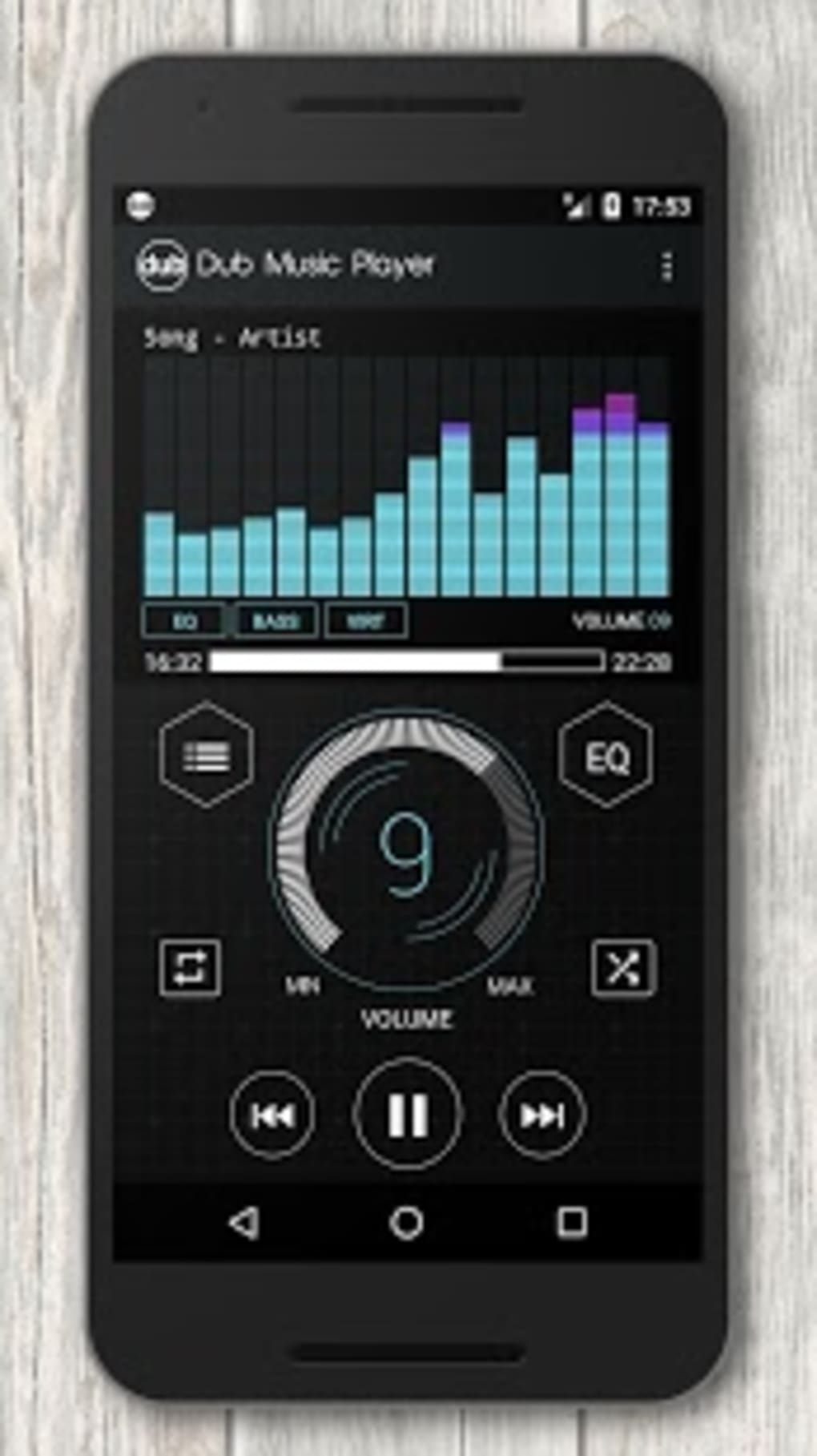
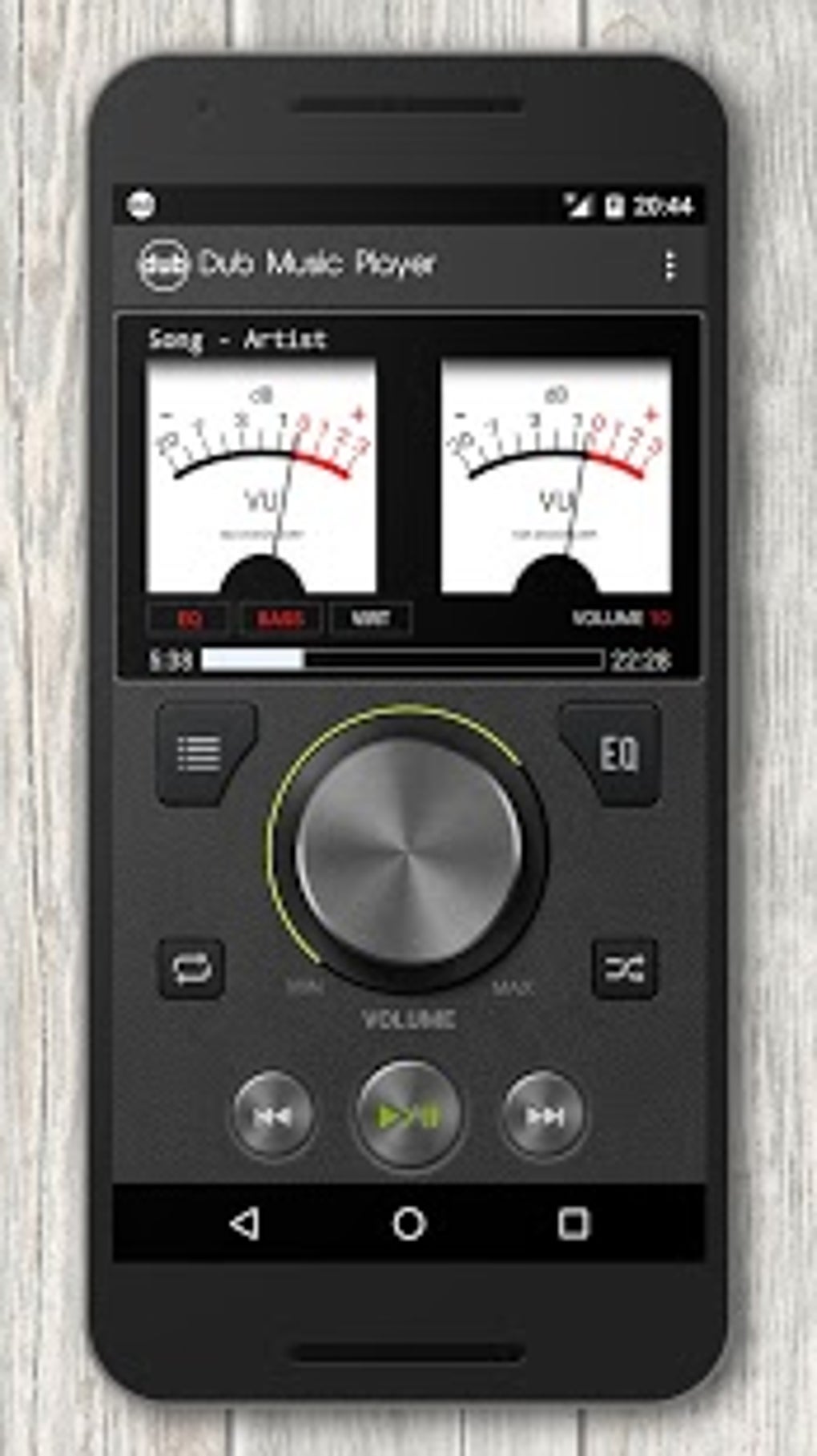
Dub Music Player features a minimalist interface that prioritizes functionality and visual clarity. The layout centers on playback controls—play, pause, skip, volume—positioned prominently for quick access. Track metadata, including title, artist, and album, is displayed in a clean, readable format, while the equalizer settings are accessible via a compact, intuitive panel.
Navigating through the software is straightforward, with drag-and-drop support for adding audio files and folders. The workflow is optimized for speed, allowing users to load tracks and adjust settings in seconds. The app operates as a background process, maintaining stability during extended playback sessions.
Performance observations are based on general software behavior patterns. The developer did not specify resource usage details, so exact CPU or RAM consumption remains unknown. However, with a file size of 25 MB, the application is likely optimized for efficient operation on standard desktop systems. Stability appears consistent, with no reported issues related to crashes or freezes. The software does not include real-time analytics or performance monitoring, suggesting a focus on simplicity over advanced diagnostics.
Compatibility & System Requirements
Dub Music Player is available for both Windows and Mac operating systems, making it accessible to a broad user base. The software version is 1.0, indicating a stable initial release. The installation size is 25 MB, suggesting a lightweight footprint that should not strain storage space on most modern devices.
Exact system requirements were not listed. The developer did not provide additional system specifications, such as minimum RAM, processor speed, or graphics capabilities. Compatibility information is limited to the supported platforms. Users should ensure their system meets standard desktop software requirements for running audio applications. No specific hardware dependencies were mentioned.
Pros and Cons
Pros
- Free to download and use with no hidden costs
- Lightweight installation at just 25 MB
- Customizable equalizer for enhanced audio quality
- Genre-specific optimization for dub music
- Simple, clean interface ideal for quick access and ease of use
Cons
- No information provided on system requirements or hardware compatibility
- Limited to desktop platforms; no mobile or web version available
- No cloud sync or cross-device playback features
- Developer background and support details not disclosed
- Performance metrics such as CPU or RAM usage were not specified
FAQ Section
Is Dub Music Player available for Windows and Mac?
Yes, the software is compatible with both Windows and Mac operating systems.
Is the app free to use?
Yes, Dub Music Player is offered at no cost. There are no subscription fees or in-app purchases required.
Does the software require an internet connection?
The app functions primarily in offline mode. While it does not require an internet connection for basic playback, some features may depend on online services if added in future updates.
How often are updates released?
The release date of the current version is May 15, 2024. No information was provided about update frequency or release schedule.
Can I use Dub Music Player on multiple devices?
As a desktop application, it can be installed on multiple computers. However, there is no synchronization between devices, and no official support for multi-device usage was mentioned.
Final Thoughts
Dub Music Player + Equalizer stands out as a focused, free desktop application tailored to fans of dub music. Its minimalist design, customizable equalizer, and genre-specific audio tuning make it a compelling choice for listeners who value sound quality and simplicity. While the lack of detailed system requirements and developer transparency limits deeper evaluation, the software delivers a clean, reliable experience for its intended audience.
For music lovers seeking a dedicated tool that enhances the depth and atmosphere of dub tracks, this player offers a solid foundation. It’s especially beneficial for users who want to fine-tune their audio output without the complexity of professional audio software.
Download Dub Music Player now






.png)
